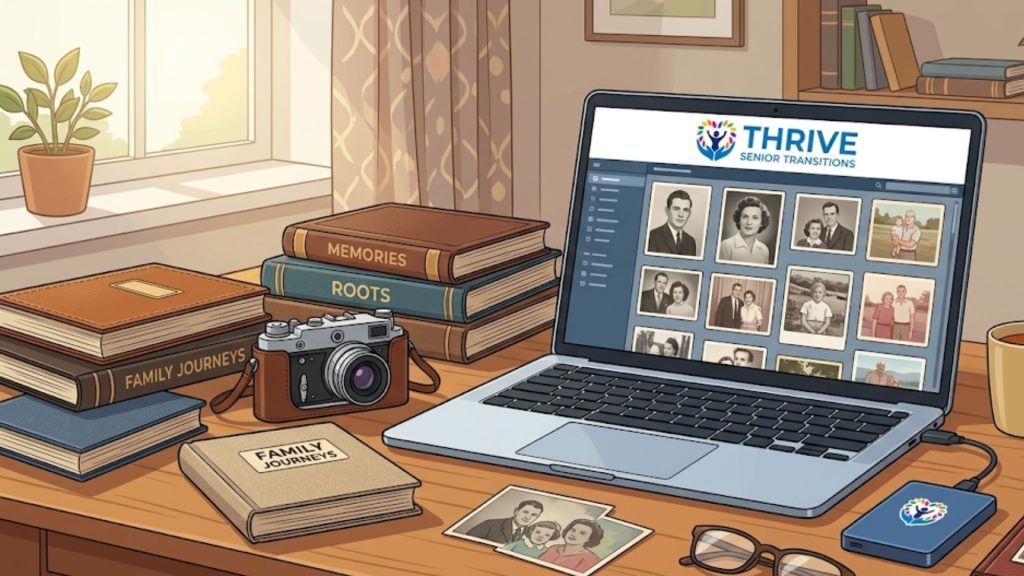
Why Your Family’s Story Deserves a Digital Home
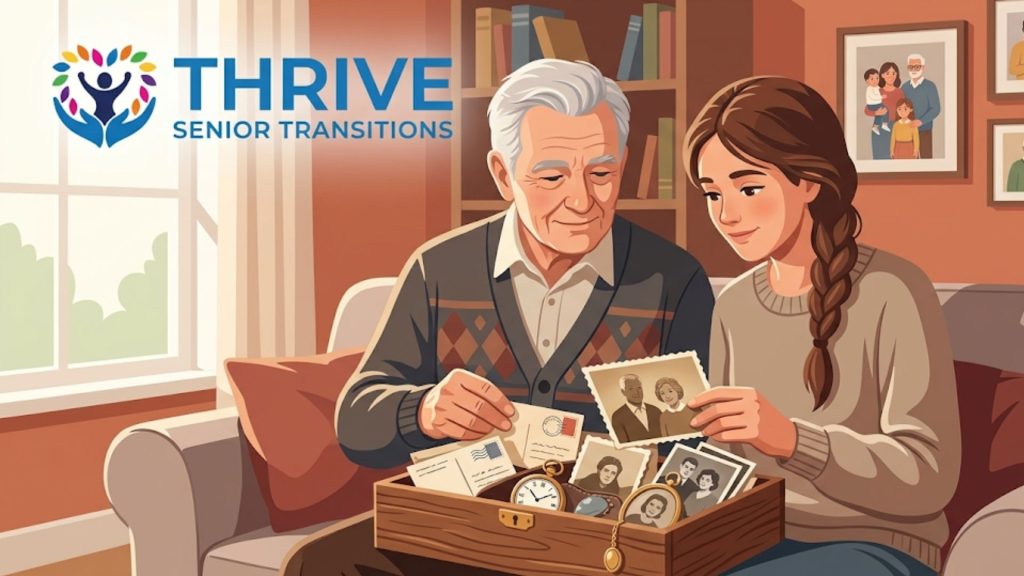
In every home, tucked away in attics, basements, and closets, lie the building blocks of a family’s legacy. Shoeboxes overflowing with faded photographs, bundles of handwritten letters tied with ribbon, and home videos on outdated tapes all hold precious pieces of your story. While these physical treasures are invaluable, they are also vulnerable to the passage of time, accidents, and decay. Creating a digital family archive is the single most powerful step you can take toward protecting your family legacy for generations to come.
This isn’t just about scanning old photos; it’s about preserving the context, the stories, and the emotions connected to them. It’s a proactive act of love, ensuring that future generations can know and understand the people who came before them.
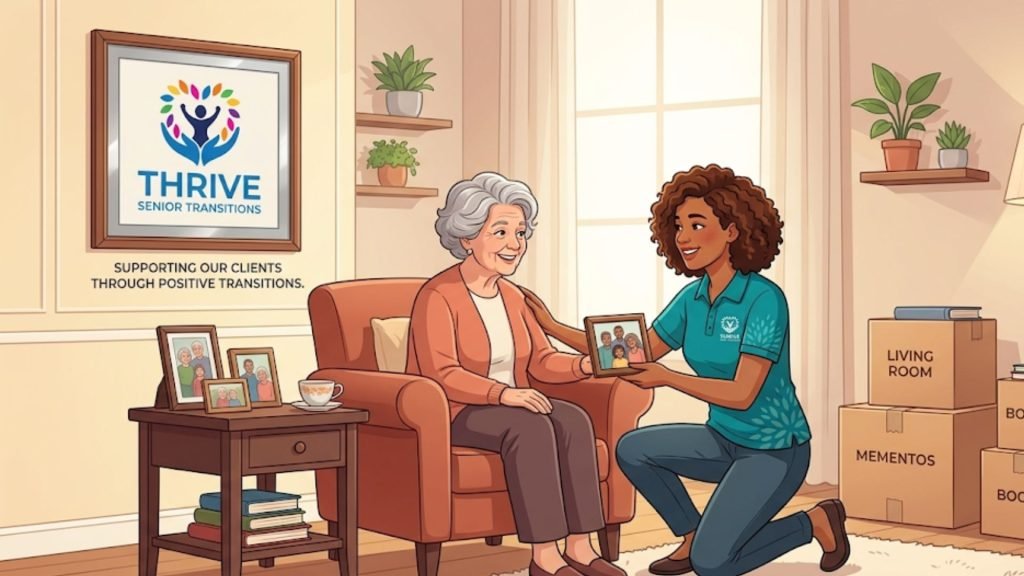
At Thrive Senior Transitions, we’ve seen firsthand how overwhelming this process can be. Drawing on over 30+ years of managing complex transitions for companies like Microsoft and Tesla, our founder, Marianne Borenstein, applies that same world-class project management expertise to the deeply personal task of legacy preservation. We help families navigate this emotional journey with clarity, structure, and immense compassion.
Getting Started: Gathering Your Family Treasures
The first step in any preservation project is to understand exactly what you have. Begin by gathering all your family memorabilia in one place. This initial survey helps you grasp the scope of your project and allows you to sort items into logical categories. Don’t worry about perfect organization yet; the goal is simply to collect everything from the various corners of your home.
As you gather these items, think about the stories they tell. Who is in that photograph? What was the occasion for that letter? This is the perfect time to involve other family members, especially older relatives who can provide names, dates, and anecdotes that bring these items to life. This collaborative approach not only enriches your archive but also transforms a daunting task into a meaningful family activity.
If the sheer volume of boxes feels paralyzing, our downsizing and sorting organization services can help you systematically categorize these items before the scanning process even begins.
The Urgency of Outdated Media (VHS and Audio)
While photographs fade slowly, magnetic media like VHS tapes, camcorder cassettes, and audio cassettes degrade much faster. In fact, magnetic tape typically begins to break down after just 15 to 20 years, resulting in loss of color, tracking issues, and eventually, a completely unreadable tape.
Because the hardware required to play these tapes (like VCRs) is nearly obsolete, we highly recommend prioritizing the digitization of video and audio formats. While you can purchase DIY conversion kits, the most reliable and time-efficient route is to send these tapes to a professional digitization service. They have the professional-grade equipment necessary to clean the tapes and extract the highest possible quality digital files, saving those moving memories before they are lost forever.
The Right Tools for Digitizing Your History
Once you have your paper materials and photos gathered, you’ll need the right tools for the job. The quality of your digital archive depends heavily on the quality of your scans. While you can use a smartphone for quick captures, a dedicated scanner will produce far superior results for long-term preservation.
Consider these key pieces of equipment for your project:
- A High-Quality Flatbed Scanner: This is the most versatile tool for your project. A good flatbed scanner is essential for high-resolution scans of photos, fragile documents, and letters. Look for one that can scan at a minimum of 600 DPI (dots per inch).
- An Automatic Document Feeder (ADF) Scanner: If you have a large number of standard-sized, sturdy documents or letters, a scanner with an ADF can save you an immense amount of time.
- Photo Editing Software: Basic software, often included with your scanner or computer, can help you crop, rotate, and make minor color corrections to your scanned images.
A Step-by-Step Guide to Digitizing Your Memories
With your materials gathered and tools ready, it’s time to begin the process of creating your online family archive. This requires patience and a methodical approach. By following a consistent process, you ensure every memory is captured with the care it deserves.
How to Digitize Old Photos
Photographs are often the heart of a family archive. To do them justice, it’s important to capture as much detail as possible. This ensures they can be reprinted and viewed clearly for years to come. The National Archives offers extensive guidelines on how to properly handle and digitize family papers and photographs without causing damage.
Before you begin, gently clean the photos and the scanner bed with a soft, lint-free cloth to avoid scanning dust and smudges. For the best results, consider these technical specifications:
- Resolution: Scan photos at a minimum of 600 DPI. For smaller photos (like a 3×5) that you may want to enlarge later, scanning at 1200 DPI is even better.
- File Format: Save your master archival copies as TIFF (.tif) files. TIFFs are “lossless,” meaning they retain all the original image data and don’t degrade with each save. You can then create smaller JPEG (.jpg) copies for easy sharing via email or social media.
- Color Depth: Always scan in 24-bit color, even for black-and-white photos. This captures the subtle tonal variations and gives you more flexibility for future edits.
Scanning Old Letters and Documents
Letters, diaries, and official documents provide the narrative of your family’s history. When scanning old letters and documents, your goal is to capture the text clearly while preserving the character of the original item, including the texture of the paper and the handwriting.
Scan documents at a resolution of at least 300 DPI, which is sufficient for clear text. If the document has fine details or intricate handwriting, 600 DPI is a safer choice. As with photos, save the master files as TIFFs. For documents where you want the text to be searchable, you can use Optical Character Recognition (OCR) software.
Organizing Digital Photos and Files for the Future
Creating a digital archive is only half the battle; making it accessible and understandable is just as important. A well-organized digital family archive ensures that you and your relatives can easily find what you’re looking for. Without a logical structure, your digital files can become just as chaotic as a physical shoebox of photos.
Create a Simple and Scalable Folder Structure
The best organizational system is one you can stick with. A chronological approach is often the most intuitive. Start by creating folders for each year. Within each year, you can create subfolders for specific events, such as “2024-07_Family-Reunion” or “2024-12_Holidays.” This structure makes it easy to browse your collection and locate specific moments in time.
Use Descriptive File Names and Metadata
Renaming your scanned files from generic names like “scan_001.tif” is one of the most important steps in organizing your archive. A descriptive file name provides context at a glance. A great formula to use is Date_Event_Description. For example: “1975-06-14_Mom-and-Dad-Wedding_First-Dance.tif.”
Beyond the file name, you can embed information directly into the file itself using metadata, or tags. You can add tags for people’s names, locations, and keywords. This makes your collection completely searchable. The Library of Congress offers excellent standards and best practices for personal digital archiving and metadata management.
What to Do With the Physical Originals?
Once your memories are safely digitized, you will inevitably face a major question: Do I keep the physical originals? This is where the magic of rightsizing happens. Digitizing gives you the freedom to let go of the physical bulk without losing the memory. We recommend creating one or two beautiful, archival-quality “Memory Boxes.” Keep the absolute most cherished physical items—an original birth certificate, a great-grandmother’s handwritten recipe, the best wedding prints. The rest of the bulk photos, blurry duplicates, and mundane paperwork can be confidently shredded or disposed of, knowing they are perfectly preserved in your digital archive.
Protecting Your Legacy: Secure Storage Solutions
Digital files are not immune to loss. Hard drive failure, accidental deletion, or technological obsolescence can erase your hard work in an instant. A robust storage strategy is essential.
For ultimate security, IT professionals rely on the 3-2-1 backup rule:
- Keep at least THREE copies of your data.
- Store the copies on TWO different types of media (e.g., your computer’s hard drive and an external hard drive).
- Keep ONE copy off-site (a secure cloud storage provider).
By following this rule, you create redundancy that protects your archive from almost any single point of failure.
When the Task Feels Too Big, Expert Help is Here
We understand that creating a comprehensive digital family archive is a significant undertaking. It requires time, technology, and a great deal of emotional energy. For many, the sheer volume of memories can lead to decision paralysis, and the project never gets off the ground.
At Thrive Senior Transitions, comprehensive keepsake and memory preservation is a core part of our holistic approach. We provide the expert guidance and hands-on support to manage the entire process for you. We bring our world-class organizational skills to your personal history, ensuring your legacy is preserved with the dignity and care it deserves.
If you’re feeling overwhelmed, you don’t have to do it alone. Let us help you transform that mountain of memories into a beautifully organized and securely protected digital legacy.
Ready to safeguard your family’s history?
Talk to a Transition Expert today to learn more about our keepsake preservation services and get your custom plan.
Call Us at 408-256-2686
Take the Readiness Quiz on our website to see where you are in the transition process.